Generate countdown timer
Free countdown timer generator that creates animated countdown timer GIFs for emails to spark urgency — perfect for flash sales, limited offers, product launches.
Benefits
Boost urgency and conversions.
Use an animated countdown timer GIF to create urgency in email marketing campaigns, WhatsApp messages, and promotions. A visible clock counting down – whether a 24 hours countdown or a 7 days timer – encourages faster decisions, increases click-through rates, and helps convert hesitant users into paying customers.
Engage users across channels.
Add a countdown timer GIF to emails, landing pages, or even a WhatsApp countdown timer GIF to capture attention instantly. Animated countdown visuals like a 1 minute countdown or 3 minutes timer keep users focused, improve engagement, and make your campaigns more interactive and memorable.
Countdown timer GIF examples
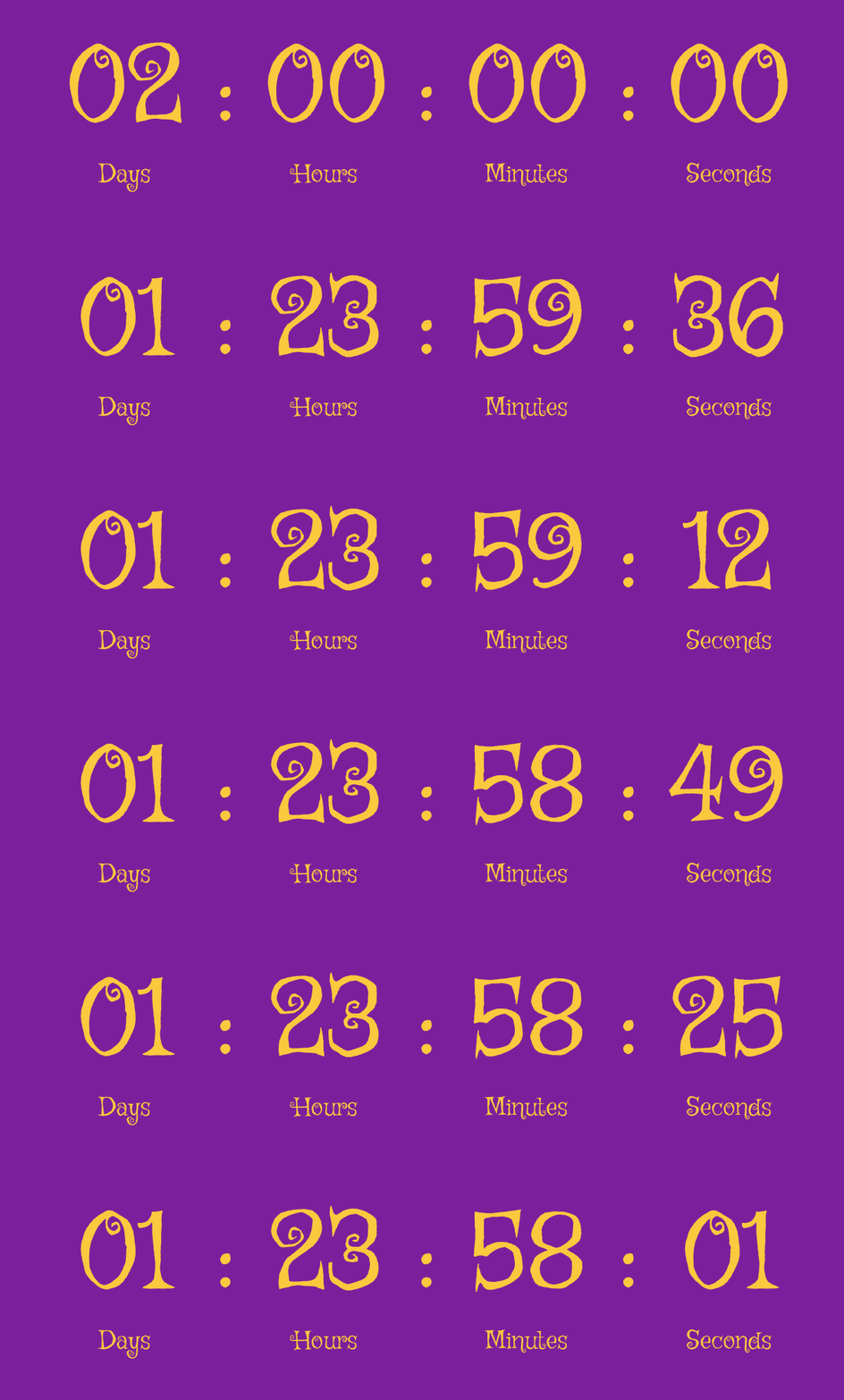
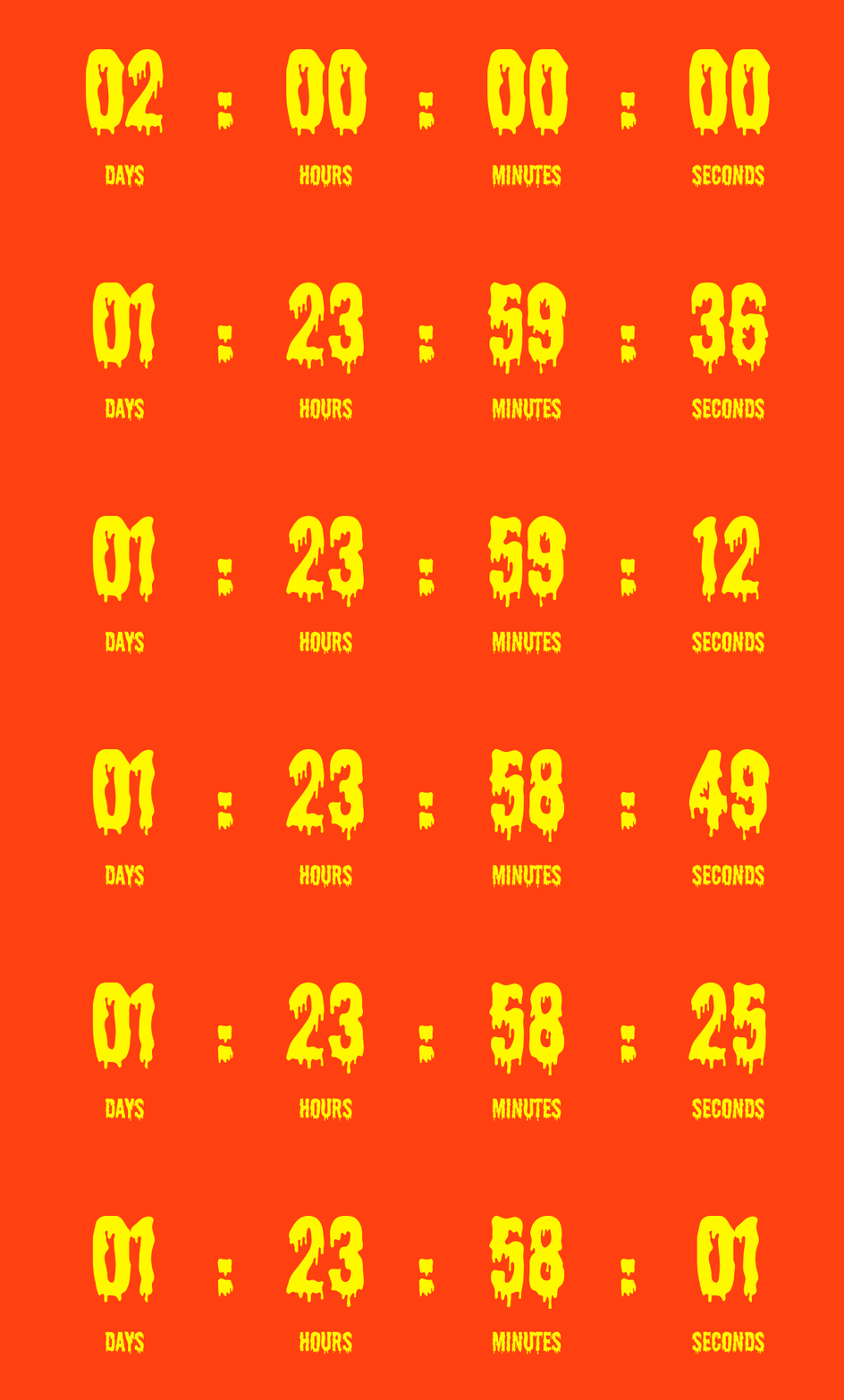
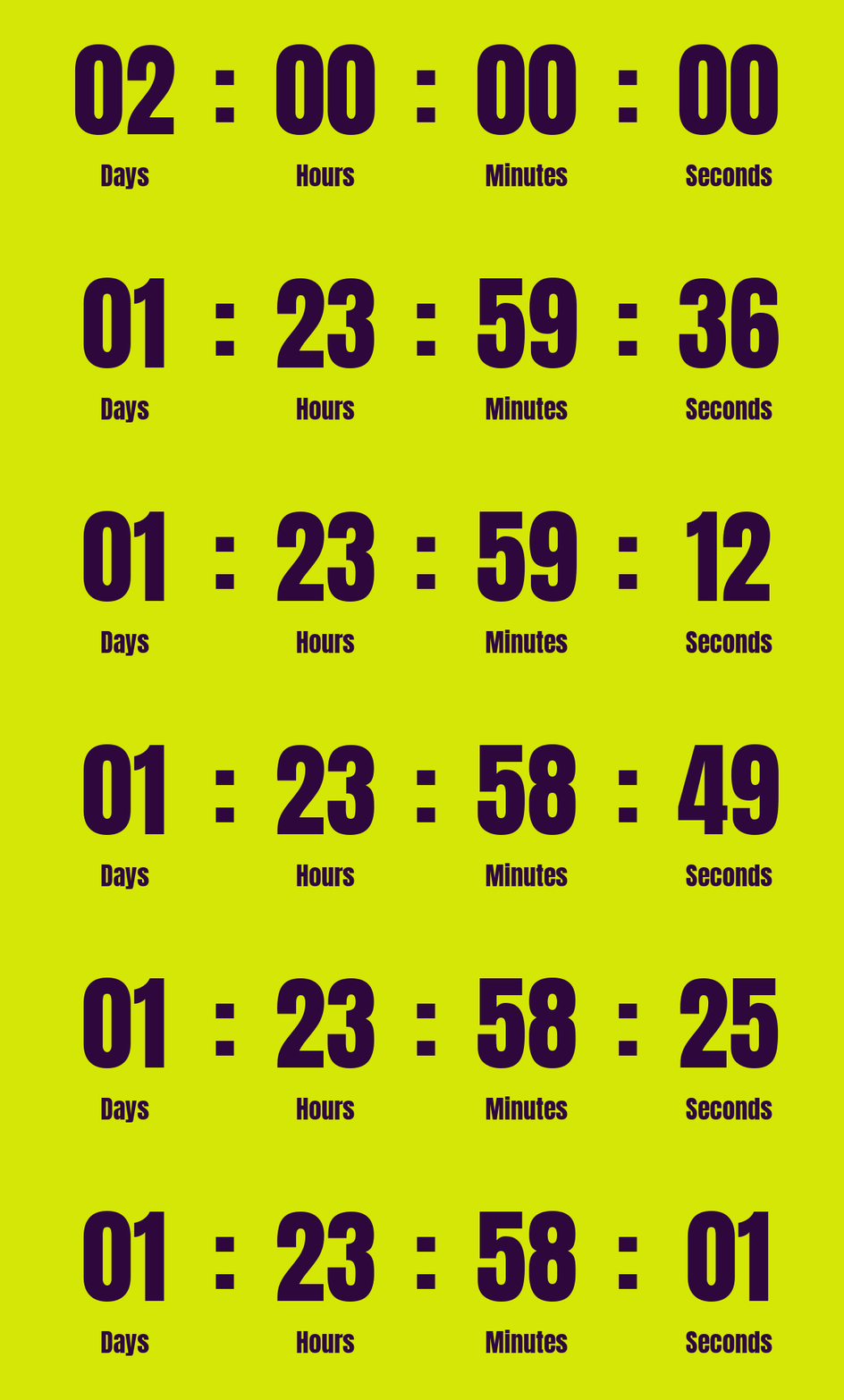
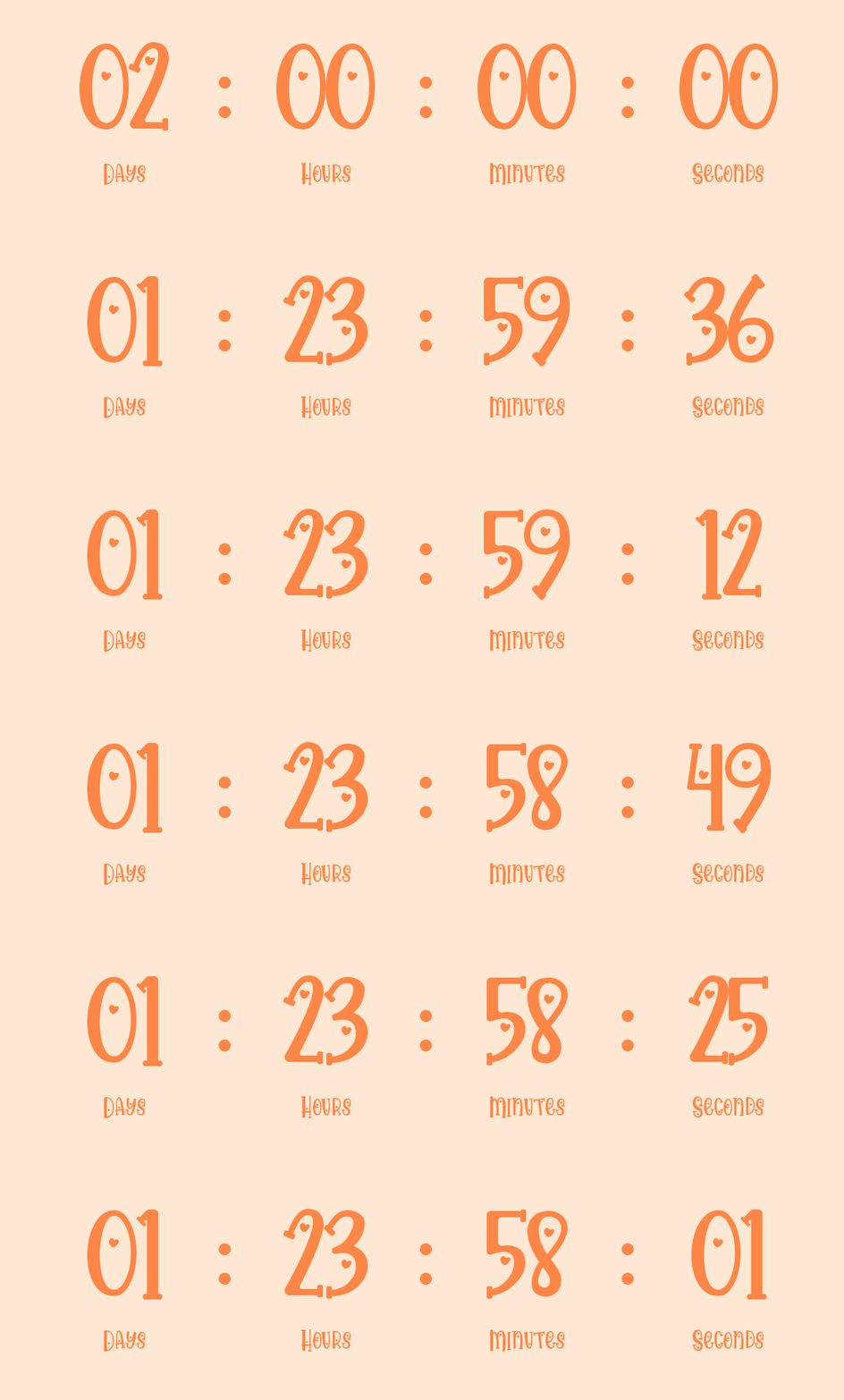
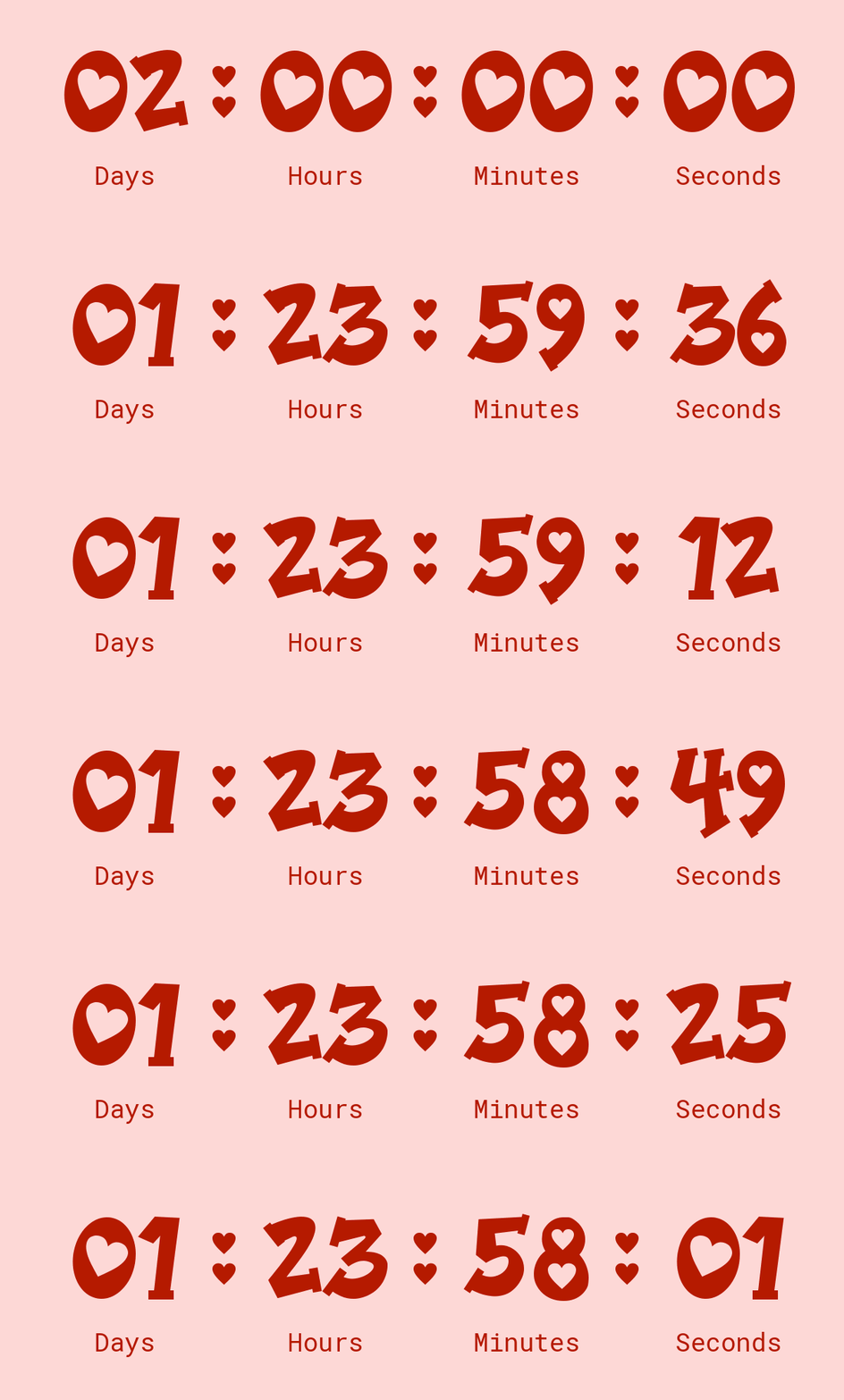
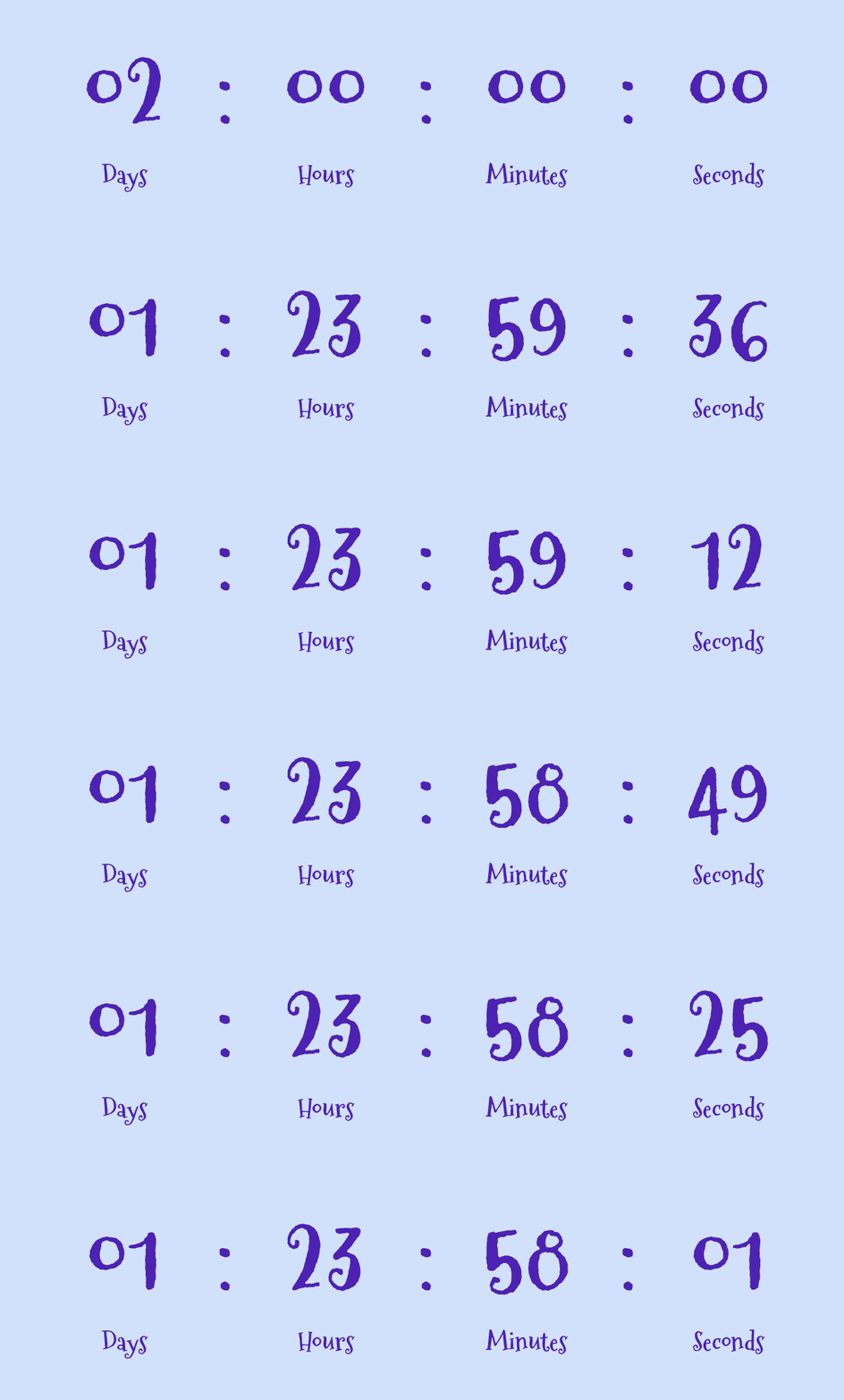
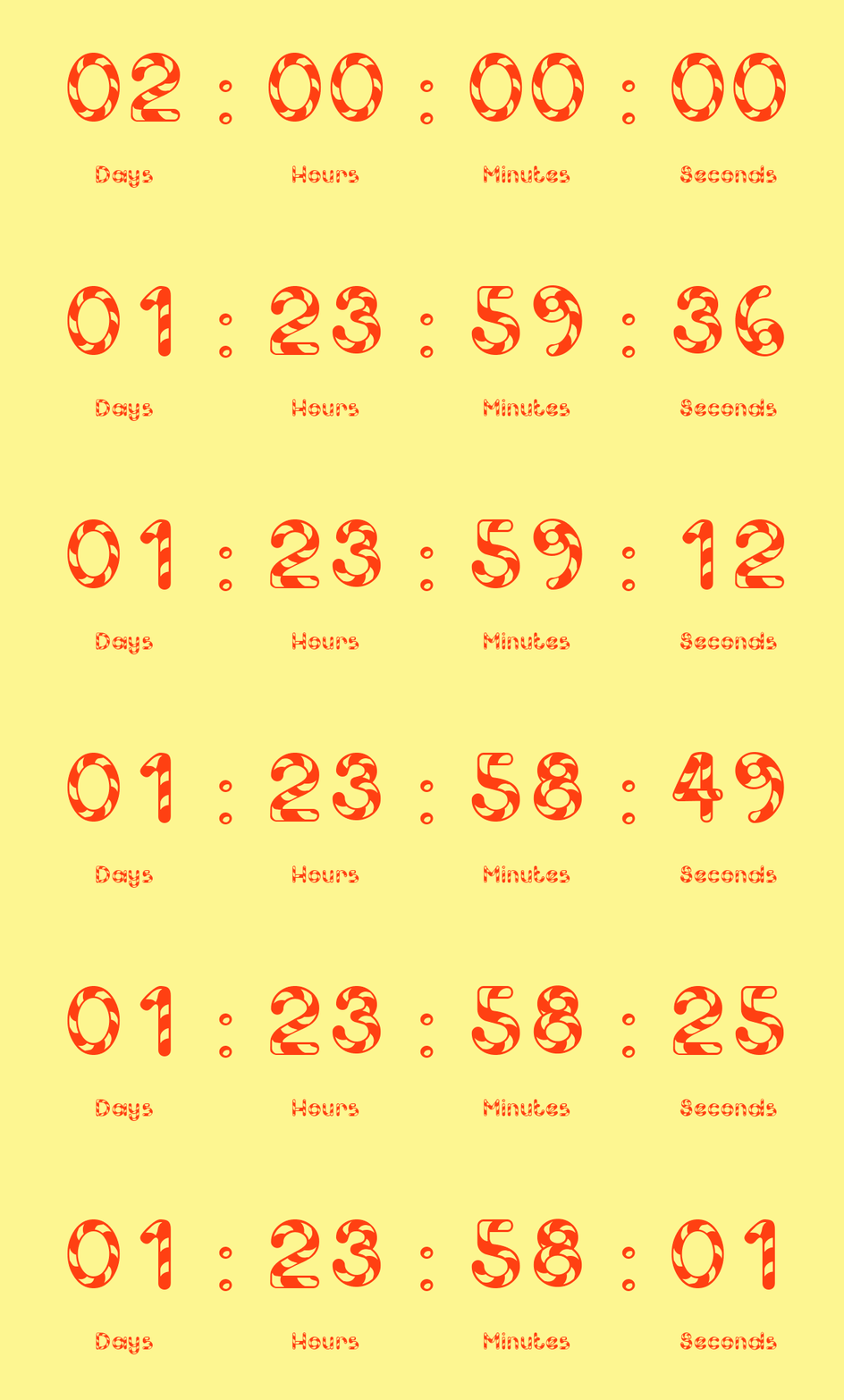
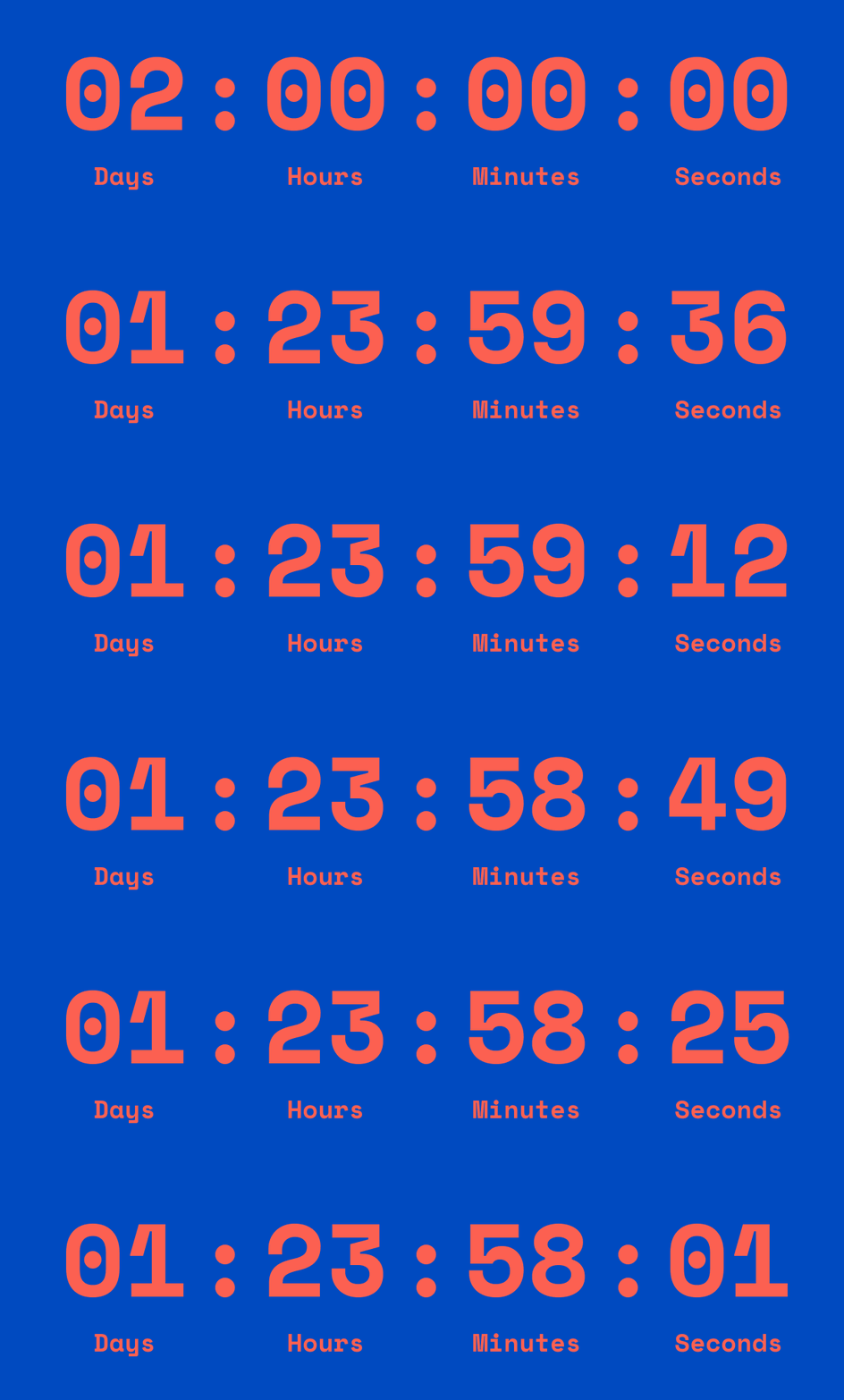
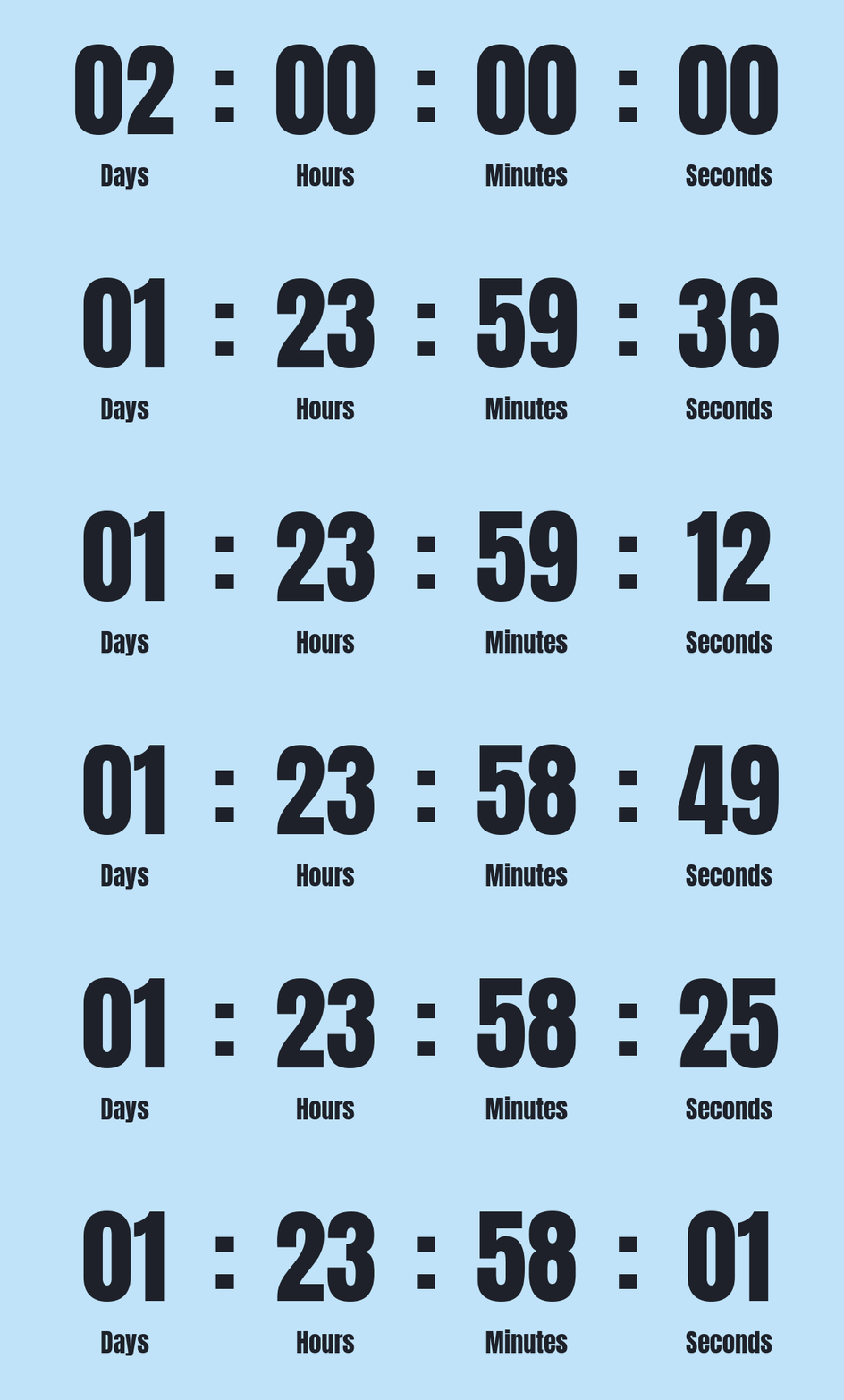
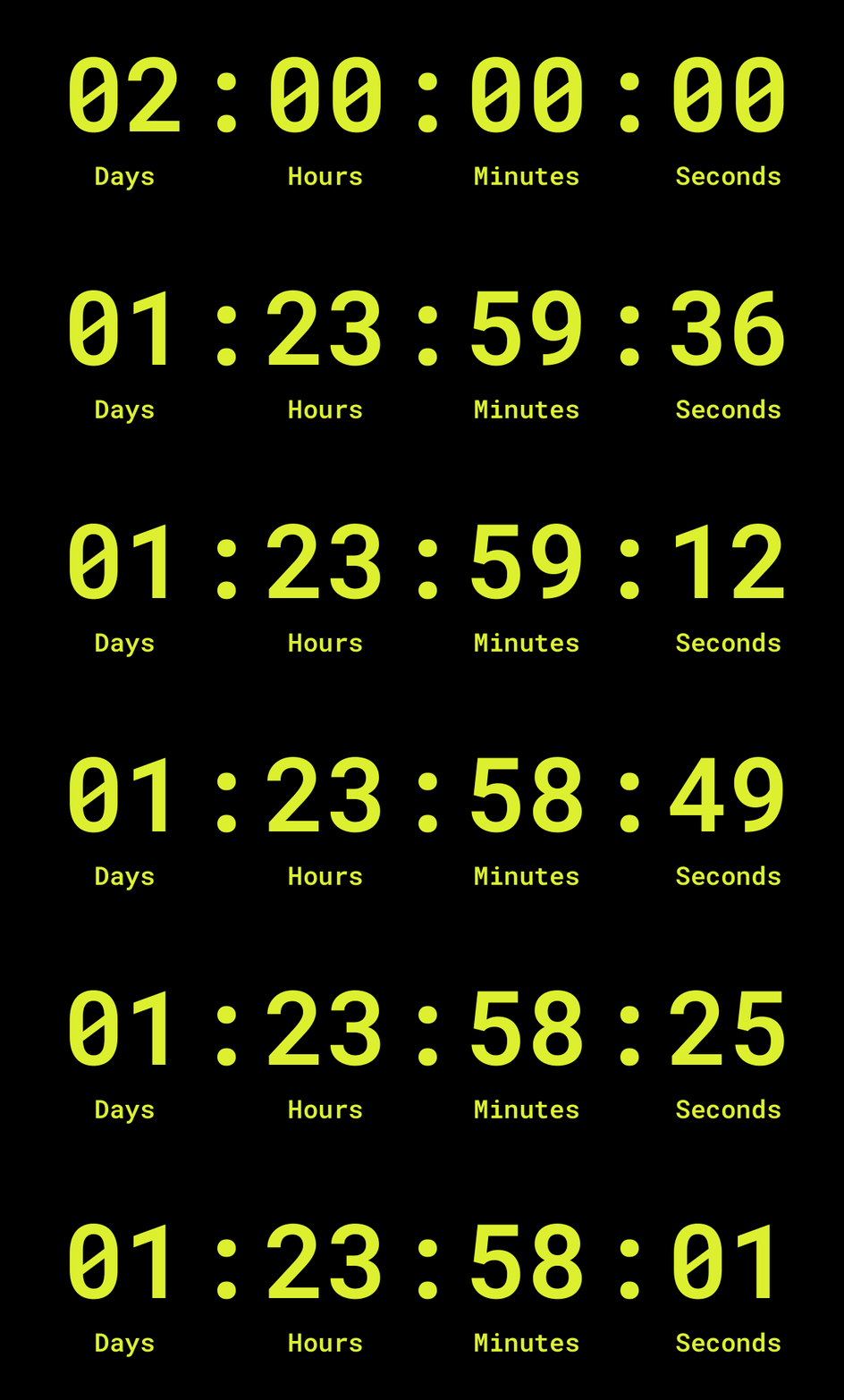
Countdown timers in emails
Seasonal promos
Create excitement for seasonal offers, such as Black Friday, Christmas, New Year, or Valentine’s Day campaigns.
Limited-time offers
Emphasize the final hours of a special offer or coupon code to prompt immediate action.
Product launches
Count down to a new product release or restock, increasing anticipation and engagement before launch day.
How to create countdown timer GIFs online
Choose your timer settings
Set the countdown duration or select an end date and time to calculate how much time to count down.
Customize the timer design
Adjust units (for example, show days or not), fonts, colors, and layout to match your brand and stand out.
Generate the countdown GIF
Create a fast-loading countdown GIF online optimized for size and quality — free and no sign-up required.
Download and use anywhere
Download the GIF and use it in emails or other campaigns to drive urgency, clicks, and conversions.
| Countdown duration | Where it’s used / purpose |
|---|---|
| 30 seconds countdown | Used for instant action moments with phrases like “Hurry up!”, “Act now”, or “Last seconds” to trigger immediate clicks. |
| 1 minute countdown | Great for quick engagement using titles like “Only 1 minute left”, “Final minute”, or “Don’t miss out”. |
| 3 minutes countdown | Works for short alerts with “Starting in 3 minutes”, “Get ready”, or “Offer ends soon” in the timer header. |
| 10 minutes countdown | Ideal for checkout urgency with phrases like “Reserved for you”, “Complete your order”, or “Almost gone”. |
| 30 minutes countdown | Used in flash deals with titles like “Limited-time offer”, “Ends shortly”, or “Your deal expires soon”. |
| 1 hour countdown | Perfect for last-call emails using “1 hour left”, “Final chance”, or “Sale ending soon” as the main message. |
| 3 hours countdown | Works for same-day urgency with “Ends today”, “Only a few hours left”, or “Don’t wait too long”. |
| 12 hours countdown | Used in “ends tonight” campaigns with phrases like “Tonight only”, “Last hours”, or “Sale ends at midnight”. |
| 24 hours countdown | One of the most popular formats, often paired with “24-hour sale”, “Deal of the day”, or “Expires tomorrow”. |
| 48 hours countdown | Ideal for weekend offers with “Weekend sale”, “3 days only”, or “Time is running out” in the header. |
| 7 days countdown | Common for big campaigns like Black Friday, using phrases like “1 week to go” or “Big sale coming”. |
| 30 days countdown | Works for long campaigns with “Big event ahead”, “Countdown begins”, or “Something exciting is coming”. |
Common questions
What does this countdown generator do?
The countdown timer generator is a free online tool that allows you to design and create animated GIF countdown timers for email campaigns. These timers can be embedded directly into emails to create a strong sense of urgency, encouraging recipients to take action immediately.
Is this countdown generator completely free?
Yes. You can create and use countdown timers at no cost, and there are no hidden charges for embedding them into your emails.
Are countdown timers generated with a watermark?
No — the countdown timers generated with our tool are completely free of watermarks. You’ll receive a clean, professional-looking GIF without any distracting logos or marks.
How do I create and use a timer?
It’s straightforward. Configure your settings, generate the timer, and download the resulting GIF. Once it is ready, insert the GIF into your email campaign just like any other image.
Why use countdown timers in emails?
Countdown timers are a proven way to increase conversions because they tap into the fear of missing out. By showing the exact time remaining until an offer ends, they prompt quicker decisions from potential customers. This is particularly powerful for time-sensitive events—such as Black Friday or Cyber Monday—where every hour counts.
What customization options are available?
You can adjust the countdown’s duration, choose from multiple font styles and colors to match your brand, and decide whether or not to display captions such as "days" or "hours" under the numbers. There are even seasonal font choices that can make a Christmas, Halloween, Valentine’s Day, or Black Friday timer visually stand out.
What types of events or promotions is it ideal for?
This tool is ideal for any promotion where time sensitivity can boost engagement and conversions. Businesses, especially in e-commerce, use it for flash sales, limited-time discounts, product launches, and seasonal events. It is particularly effective for Black Friday, Cyber Monday, or Christmas campaigns, when urgency plays a crucial role in motivating customers to make quick purchasing decisions.
How can I use it in a Black Friday campaign?
You can set the countdown to end exactly when your Black Friday sale finishes, making the deadline highly visible in every email. Using bold, attention-grabbing fonts and placing the timer near your main call-to-action significantly increases the likelihood that customers will act immediately.
Is the GIF compatible with all email platforms?
Yes. Because the tool creates a standard animated GIF, it is compatible with all email providers and inboxes. You simply insert the GIF into your email body as an image, and it will display correctly in all email clients. If the GIF file size exceeds your email editor’s limits, you can reduce it using our GIF compressor before uploading.
Are there alternatives to this tool?
Yes, there are other countdown timer tools available online, some offering additional customization or paid plans. However, this tool provides a quick, simple, and free option for email marketers who want to add urgency without extra complexity.
Are there any technical limitations?
Generated GIFs are lightweight, so they won’t slow down the loading of your email or frustrate recipients with lag. They are designed to maintain visual quality while keeping file sizes small, ensuring smooth performance even on slower connections.